Published September 2, 2026
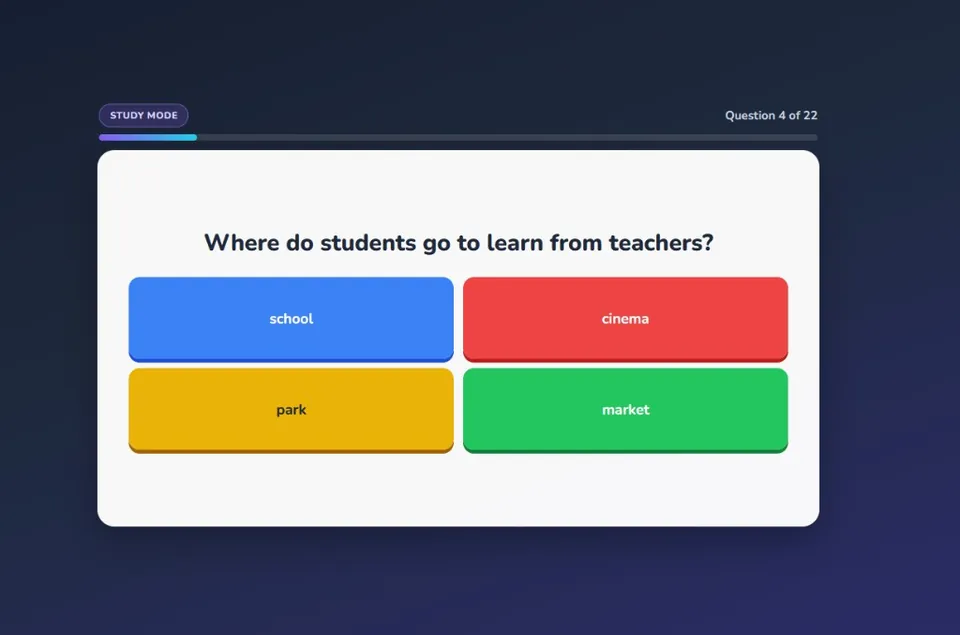
Teachers comparing Kooblo vs Kahoot want fast classroom review and minimal setup. Kahoot pioneered the live quiz format. Kooblo is one question set and many game modes: Jeopardy, arcade, board games, and party play.
What both tools do well
Both run in the browser. Students join with a room code or link. You control the session. Correct answers score points.
Kooblo vs Kahoot
| Feature | Kooblo | Kahoot |
|---|---|---|
| Custom question sets | Yes (build, import, or generate) | Yes (create or discover) |
| Student accounts to play | No (join with a code) | Optional nickname join |
| Signature live quiz mode | Kooblo Classic and Jeopardy | Speed-based multiple choice |
| Game mode variety | 20+ (arcade, board, party) | Quiz-focused with some game styles |
| Multiplayer on student devices | Yes (Kooblo Party) | Yes (live kahoots) |
| AI question generation | Yes (from a topic prompt) | Plan-dependent |
| Free to start | Yes | Yes (with paid tiers) |
When Kahoot is the right fit
Kahoot wins when you want a familiar, speed-based live quiz on a projector. Students know the format. Hosting is straightforward for bell-ringers or end-of-unit review.
If your only need is one classic live quiz and your school already standardizes on Kahoot, switching may not be worth the training time.
When Kooblo is the better fit
You want variety without rebuilding content. Run the same quiz as Jeopardy on Monday, Color Wars on Friday, or a party game when everyone has devices.
You mix shared-screen and 1:1 play. Teacher-led modes for younger grades. Kooblo Party for laptop or tablet classes.
You need a fast draft of questions. Describe the unit, edit the set, then play.
You teach multiple subjects. Build a library once and reuse sets across game types all year.
Other tools worth comparing
Many teachers also evaluate Blooket, Gimkit, and Quizizz. See Blooket alternatives, Gimkit alternatives, free classroom quiz games, and classroom review games.
There is no single winner in every classroom. Kahoot is a solid live quiz standard. Kooblo fits teachers who want custom sets plus more game formats from one platform. Build one quiz set and see which style your students respond to.
Sign up free · Log in · Explore question sets · How to use Kooblo